Start every day with one queue
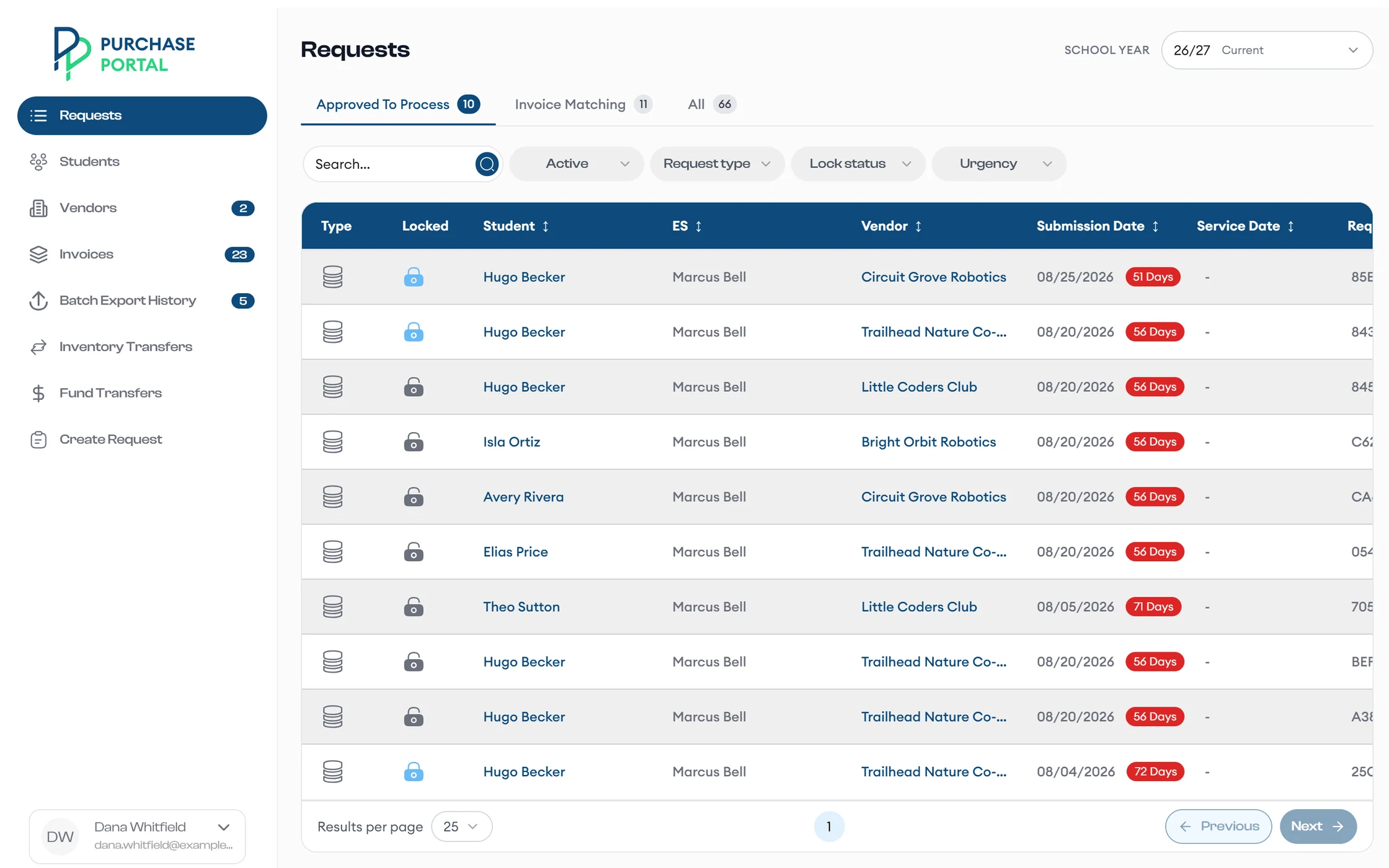
Approved To Process collects every approved request, with filters for request type, lock status, and urgency, and a count of days each one has waited.
Put a request to sleep when you need to handle it later.
Work every approved request from one queue, review AI invoice matches, and send clean batches to accounting.
A day with Purchase Portal
Approved To Process collects every approved request, with filters for request type, lock status, and urgency, and a count of days each one has waited.
Put a request to sleep when you need to handle it later.
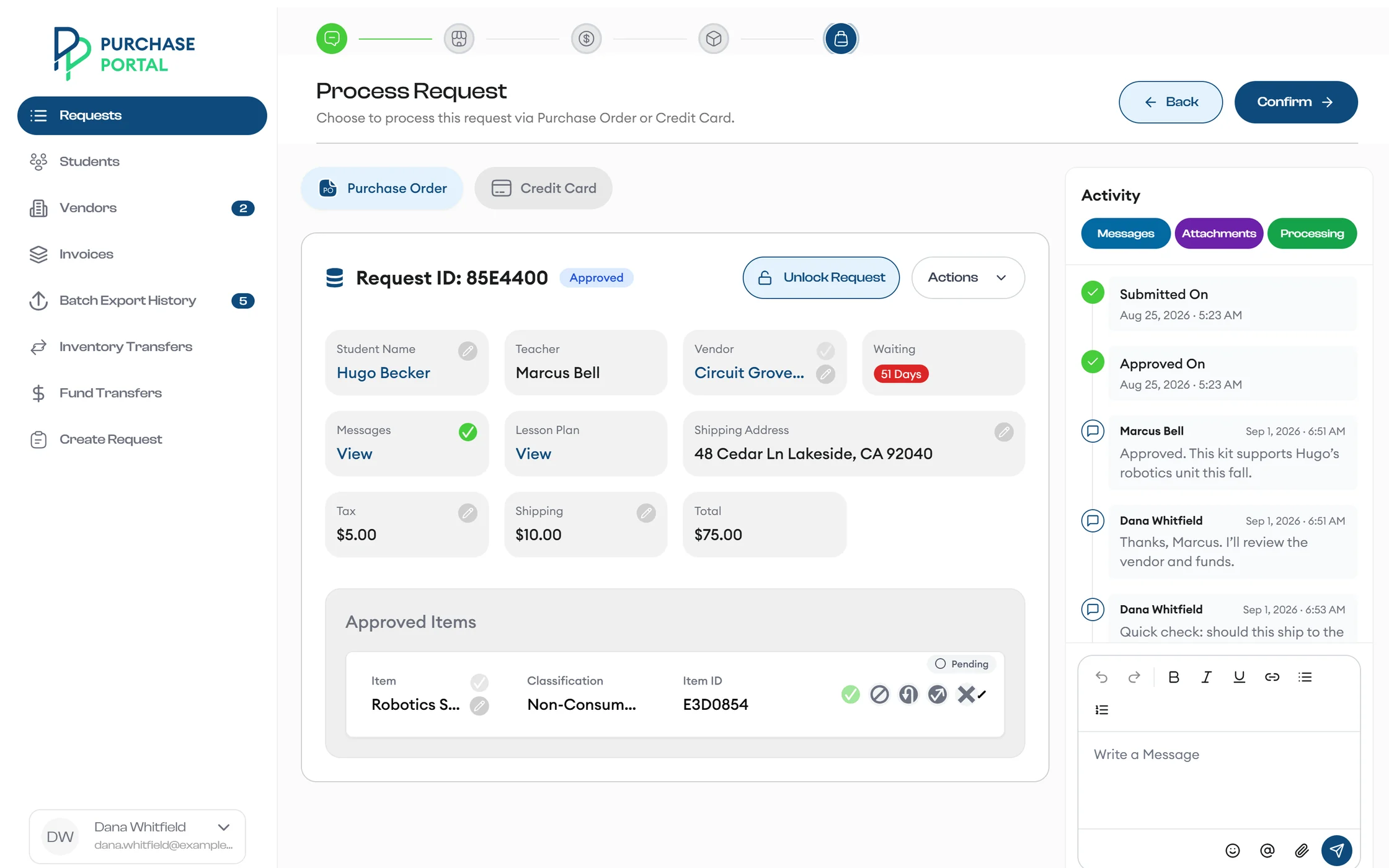
A checklist walks you through messages, vendor, student funds, and items. Then you process by Purchase Order or Credit Card, update tax and shipping, and upload the receipt.
Generate a purchase order and email it to the vendor with a download link. Resend it whenever you need to.
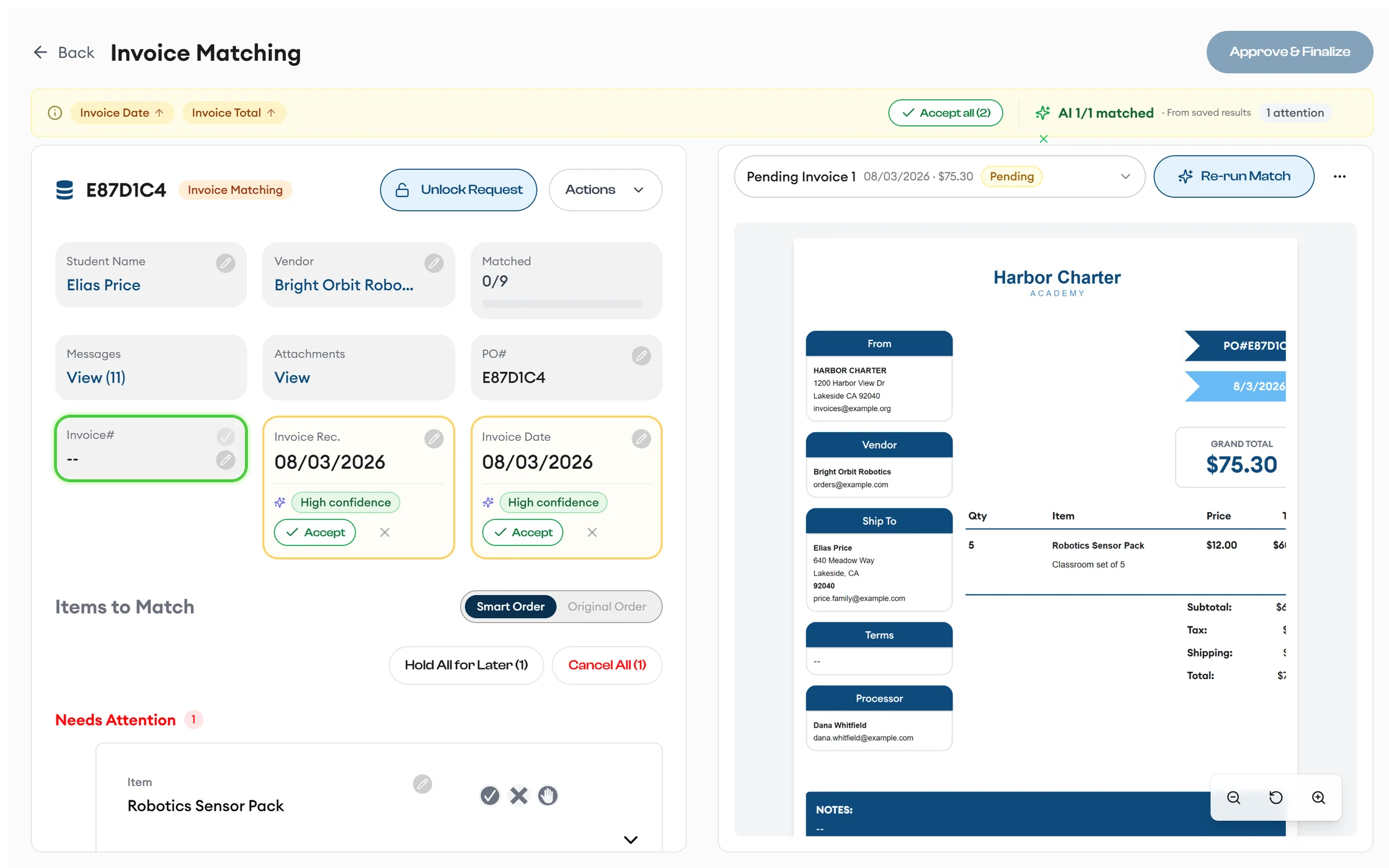
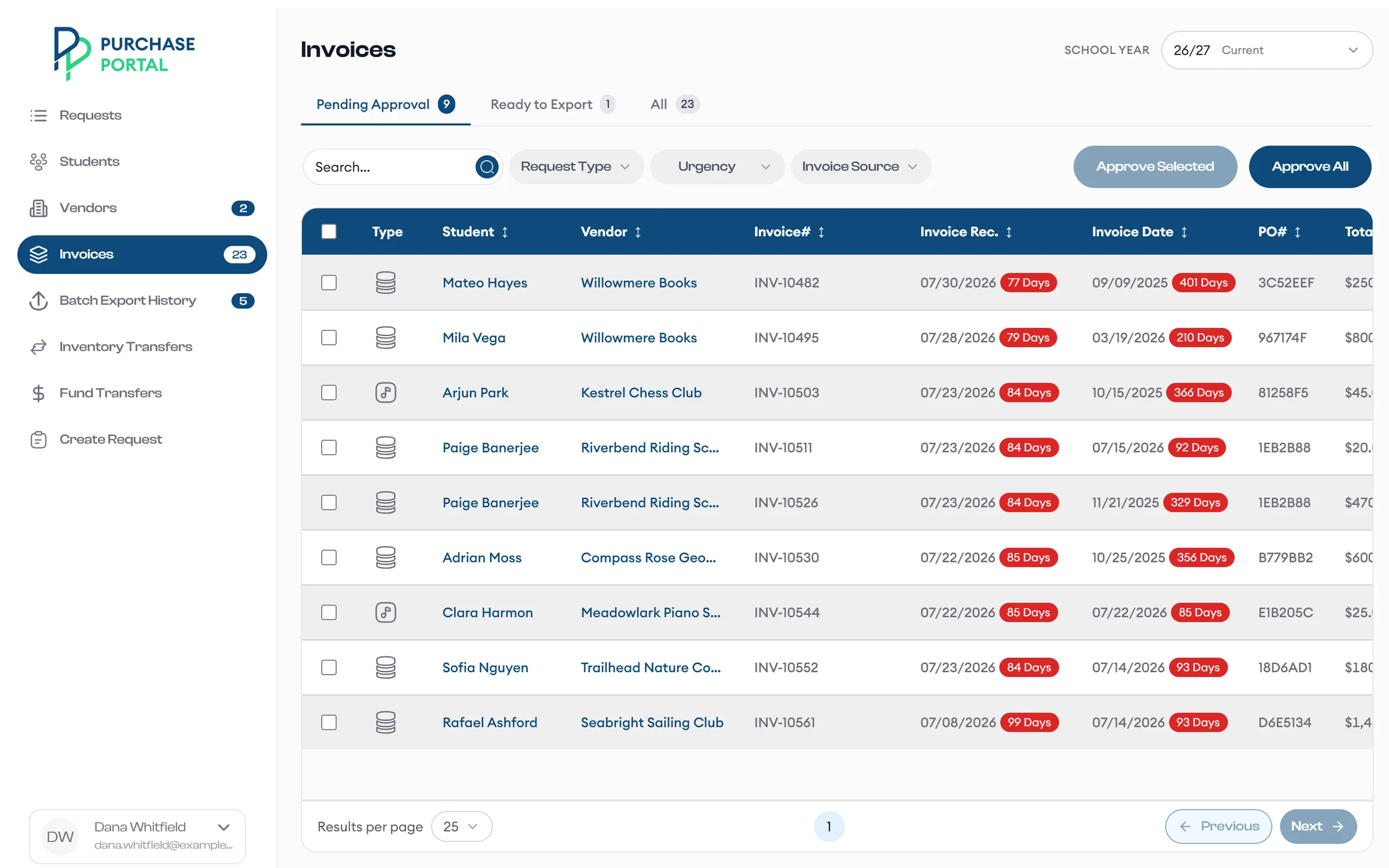
The app reads invoices that arrive in your program mailbox, matches them to requests by PO number, and splits PDFs that cover several orders.
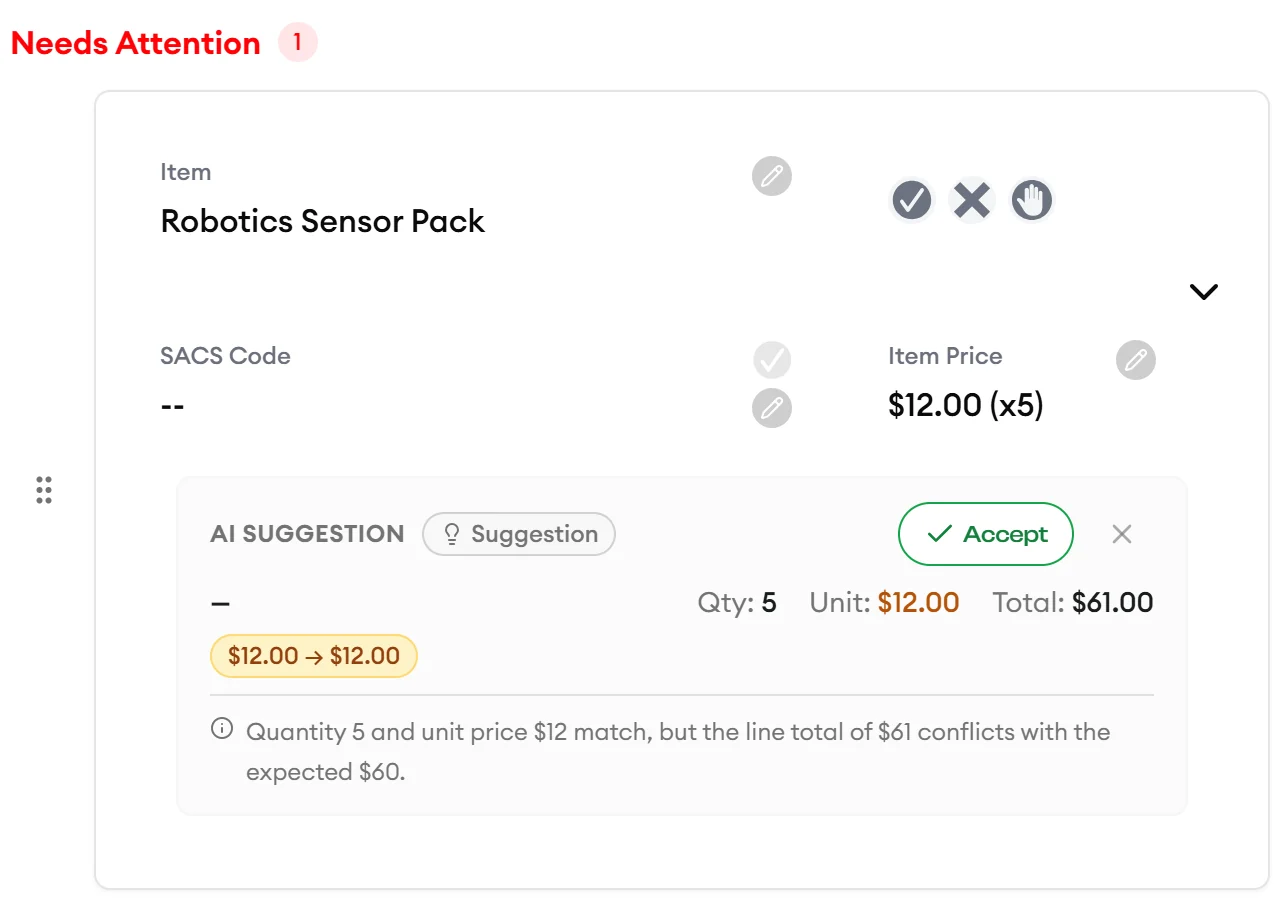
AI extracts line items and proposes a match for each request item, with a confidence score, a reason, and discrepancy flags. Accept or dismiss each proposal, or rerun matching.
Group completed requests into batches, approve them in Pending Approval, and export Excel files for accounting from Ready to Export.
Download or regenerate any past export in Batch Export History.
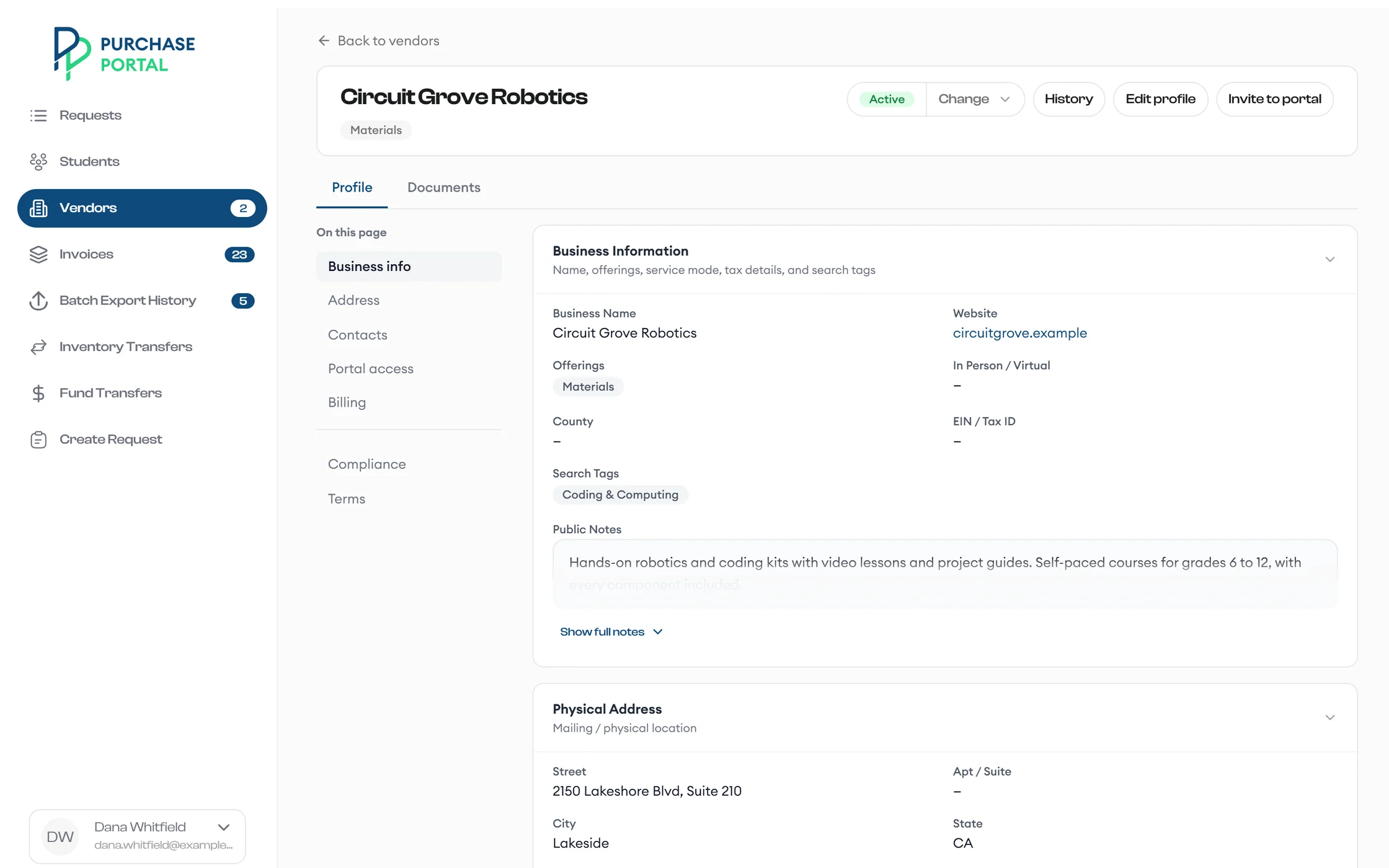
Invite vendors and send secure pre-screening and application links. Review applications, documents, and bank or profile changes, and fast-track vendors when you need to.
Monitor compliance documents and staff, and choose to pause noncompliant vendors automatically. Review locks stop two processors from editing the same vendor.
Vendors submit them in the vendor portal, or email them to your program mailbox. The app reads mailbox invoices, matches them to requests by PO number, and splits PDFs that cover several orders.
No. AI proposes matches with a confidence score, a reason, and discrepancy flags. You accept or dismiss each proposal, and you can rerun matching.
Yes. Process any request by purchase order or credit card, then upload the receipt.
Approved batches export as Excel files. Download or regenerate any past export from Batch Export History.
No. Review locks prevent two processors from editing the same vendor at the same time.
Yes. Import students, funds, inventory, and vendors in bulk.

Request a demo, and we walk your finance team from the work queue to the Excel export.