
How it works
One request, four roles, six stages.
Follow a purchase from a vendor's first application to the accounting export.
Who does what, and when
Each role works in its own workspace. The request carries every decision, message, and file from one role to the next.
Vendor
Parent
Teacher
Processor
Statuses
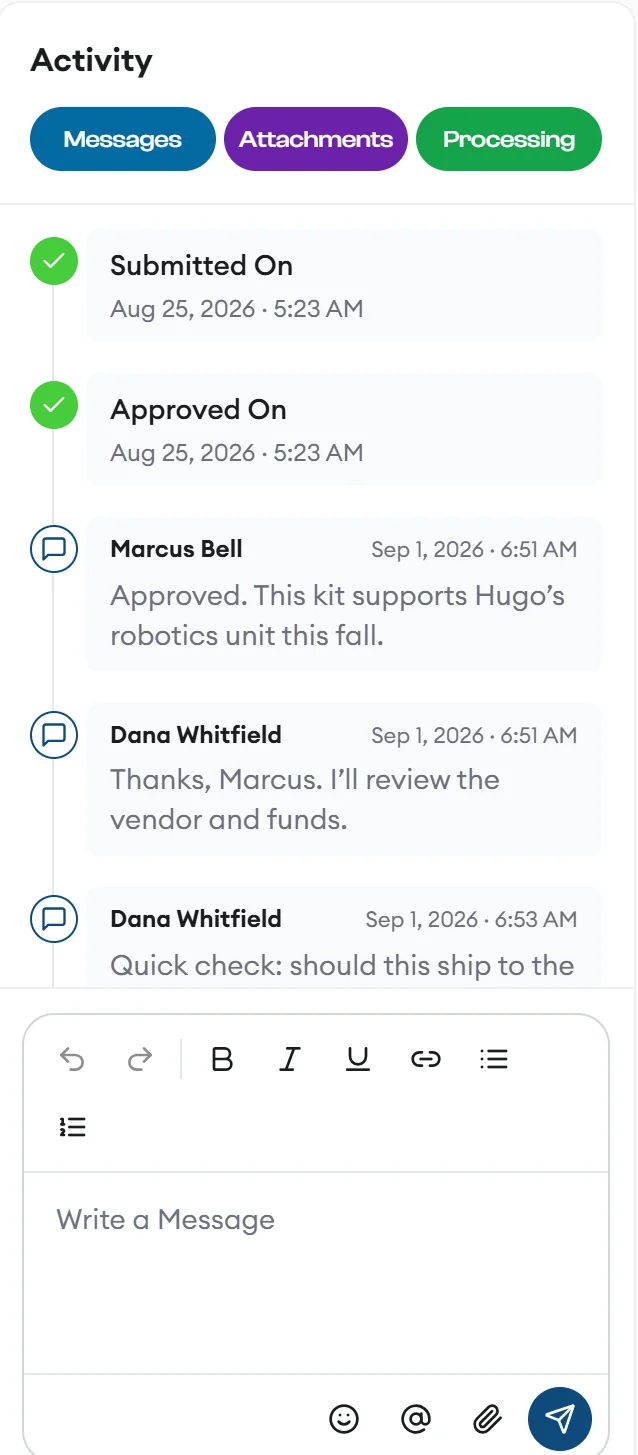
Every request tells you where it is
Email and SMS updates go out when a request becomes pending, approved, declined, cancelled, processed, invoice matched, or received.
- DraftSaved but not submitted, so the parent can finish it later.
- PendingSubmitted and waiting for the teacher's review.
- ApprovedApproved by the teacher and waiting in Approved To Process.
- ProcessedPurchased by purchase order or credit card.
- Invoice MatchingThe invoice arrived, and its matches are under review.
- CompletedMatched and ready to batch for accounting.
- Declined or CancelledEither one ends the request, and both stay in the audit trail.
Invoices
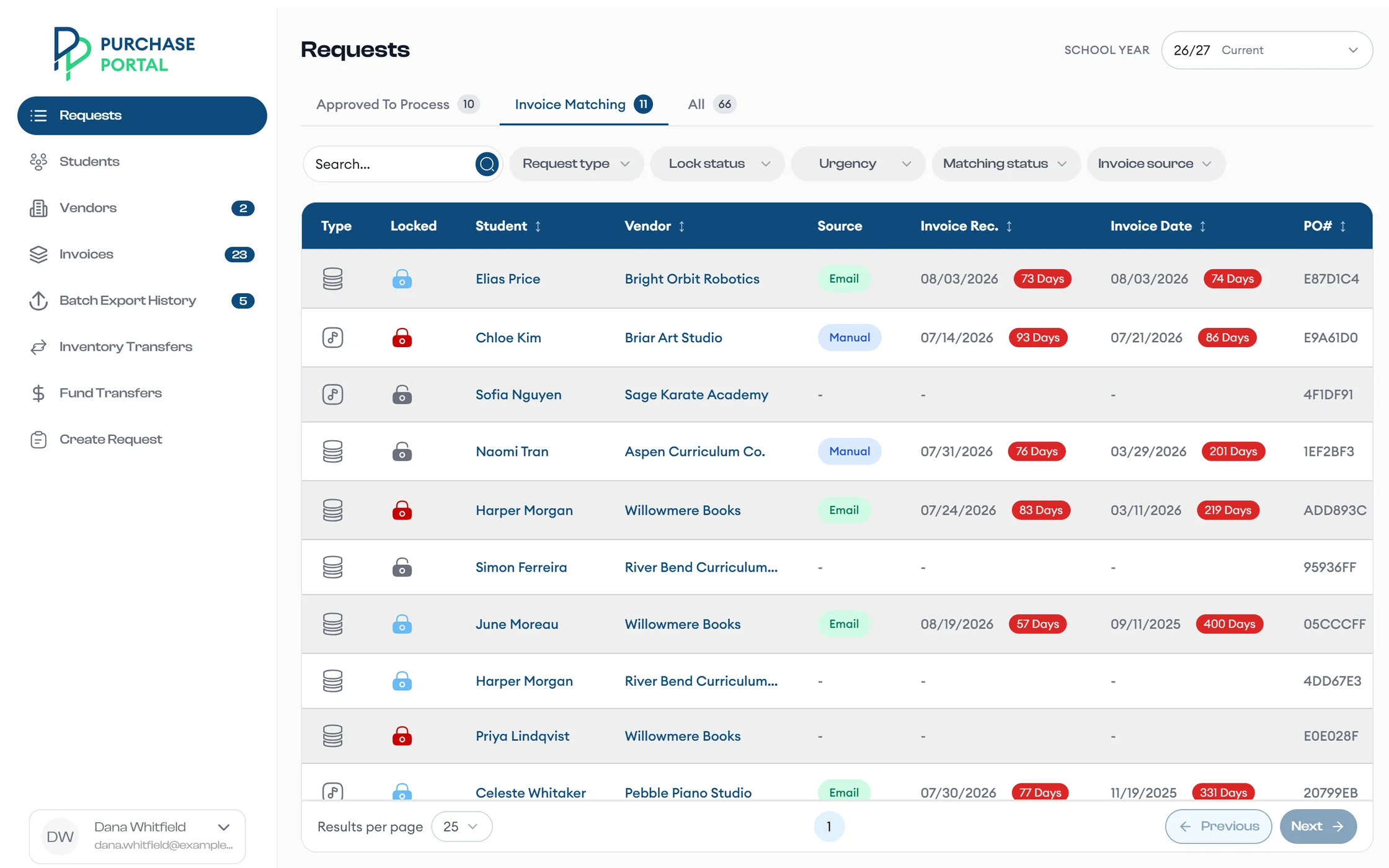
Two ways in, one place to match
Vendor portal
The vendor submits it
From Ready To Invoice, the vendor selects billable items and sends them with Confirm & Submit.
Program mailbox
Or the vendor emails it
The app reads invoices in the program mailbox, matches them to requests by PO number, and splits PDFs that cover several orders.
See the whole flow with sample data
We walk your team through every role, from vendor approval to the accounting export.